1
2
3
4
5
6
7
8
9
10
11
12
13
14
15
16
17
18
19
20
21
22
23
24
25
26
27
28
29
30
31
32
33
34
35
36
37
38
39
40
41
42
43
44
45
46
47
48
49
50
51
52
53
54
55
56
57
58
59
60
61
62
63
64
65
66
67
68
69
70
71
72
73
74
75
76
77
78
79
80
81
82
83
84
85
86
87
88
89
90
91
92
93
94
95
96
97
98
99
100
101
102
103
104
105
106
107
108
109
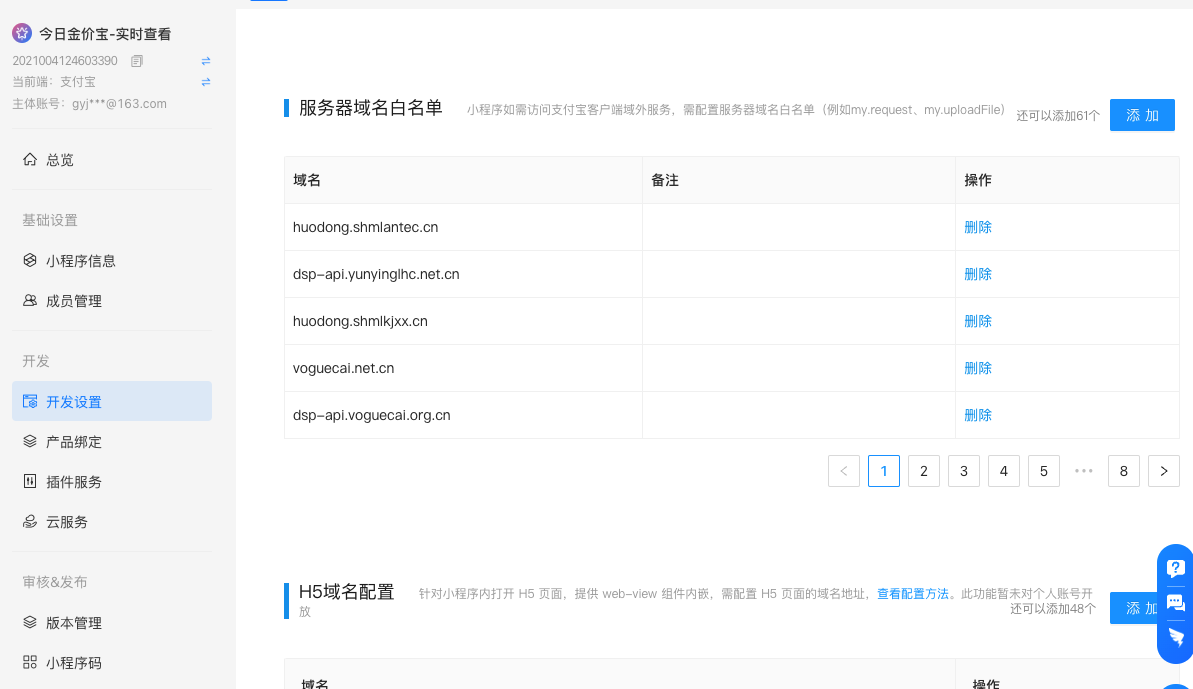
| function addScript(url, cb) {
var script = document.createElement('script')
script.src = url
script.onload = function () {
axios.defaults.withCredentials = true;
cb()
}
document.body.appendChild(script)
}
const list = [
'dsp-api.yunyinglhc.net.cn',
'huodong.shmlantec.cn',
'huodong.shmlkjxx.cn',
'dsp-api.voguecai.pub',
'dsp-api.voguecai.org.cn',
'voguecai.net.cn',
'huodong.jiuzhengsh.cn',
'huodong.yuaitech.cn',
'voguecai.cn',
'huodong.shyunai.cn',
'dsp-api.voguecai.net.cn',
'dsp-api.happilyzhou.org.cn',
'dsp-api.happilyzhou.pub',
'dsp-api.lifeduan.com.cn',
'dsp-api.fitnesstip.net.cn',
'czyl.iyoudui.com',
'huodong.jiuzhenxx.cn',
'dsp-api.aiyoudui.com.cn',
'dsp-api.baubles.pub',
'dsp-api.plantphotos.com.cn',
'huodong.shmlanxx.cn',
'dsp-api.fitnesstip.com.cn',
'dsp-api.happilyzhou.net.cn',
'dsp-api.skincarew.com.cn',
'dsp-api.lifeduan.net.cn',
'dsp-api.voguecai.com.cn',
'huodong.shjiuzhensy.cn',
'dsp-api.fitnesstip.pub',
'dsp-api.baubles.com.cn',
'huodong.minglantec.cn',
'dsp-api-uat.iyoudui.com.cn',
'dsp-api.skincarew.cn',
'huodong.mlantecsh.cn',
'dsp-api.hcbit.com.cn',
'dsp-api.skincarew.net.cn',
'dsp-api.skincarew.pub',
'dsp-api.lifeduan.org.cn',
'dsp-api.lifeduan.pub',
'luna.iyoudui.com',
]
const sleep = time => {
return new Promise(resolve => setTimeout(resolve, time))
}
const $ = el => document.querySelector(el)
const mockInput = (input, val, type) => {
let lastValue = input.value
input.value = val
if (type === 'vue') {
let event = document.createEvent('HTMLEvents')
event.initEvent('input', true, true)
event.eventType = 'message'
input.dispatchEvent(event)
} else if (type === 'react') {
let event = new Event('input', { bubbles: true })
let tracker = input._valueTracker
if(tracker) {
tracker.setValue(lastValue)
}
input.dispatchEvent(event)
}
}
const addDomain = async () => {
if (list.length === 0) return
const domain = list.pop()
const btnAdd = $('.after___HsXtq button')
btnAdd.click()
await sleep(500)
const input = $('#safeDomain')
console.log(domain)
mockInput(input, domain, 'react')
console.log(input)
await sleep(500)
const btnOk = $('.ant-modal-footer .ant-btn.ant-btn-primary')
btnOk.click()
await sleep(500)
const btnOk2 = $('.ant-modal-confirm-btns .ant-btn.ant-btn-primary')
btnOk2.click()
await sleep(500)
addDomain()
}
addDomain()
|